Booking that starts with the question — not the form.
Most hospital software opens a booking with “name and phone number.” That’s the wrong question. The patient already knows what they need: a department, a doctor, a slot that fits their day. We ask in that order.
Department first. Doctor next. Patient last.
Patient details are the last step — not the first. By then, the patient is committed to a slot they’ve chosen, not abandoning a form because the front desk asked for their PAN.
- Patient self-serve booking on WhatsApp, web, or the front desk — same flow.
- Returning patients are recognised by phone after the slot is chosen, not before.
- First-time patients enter just name and phone. The rest fills in over the next visit.
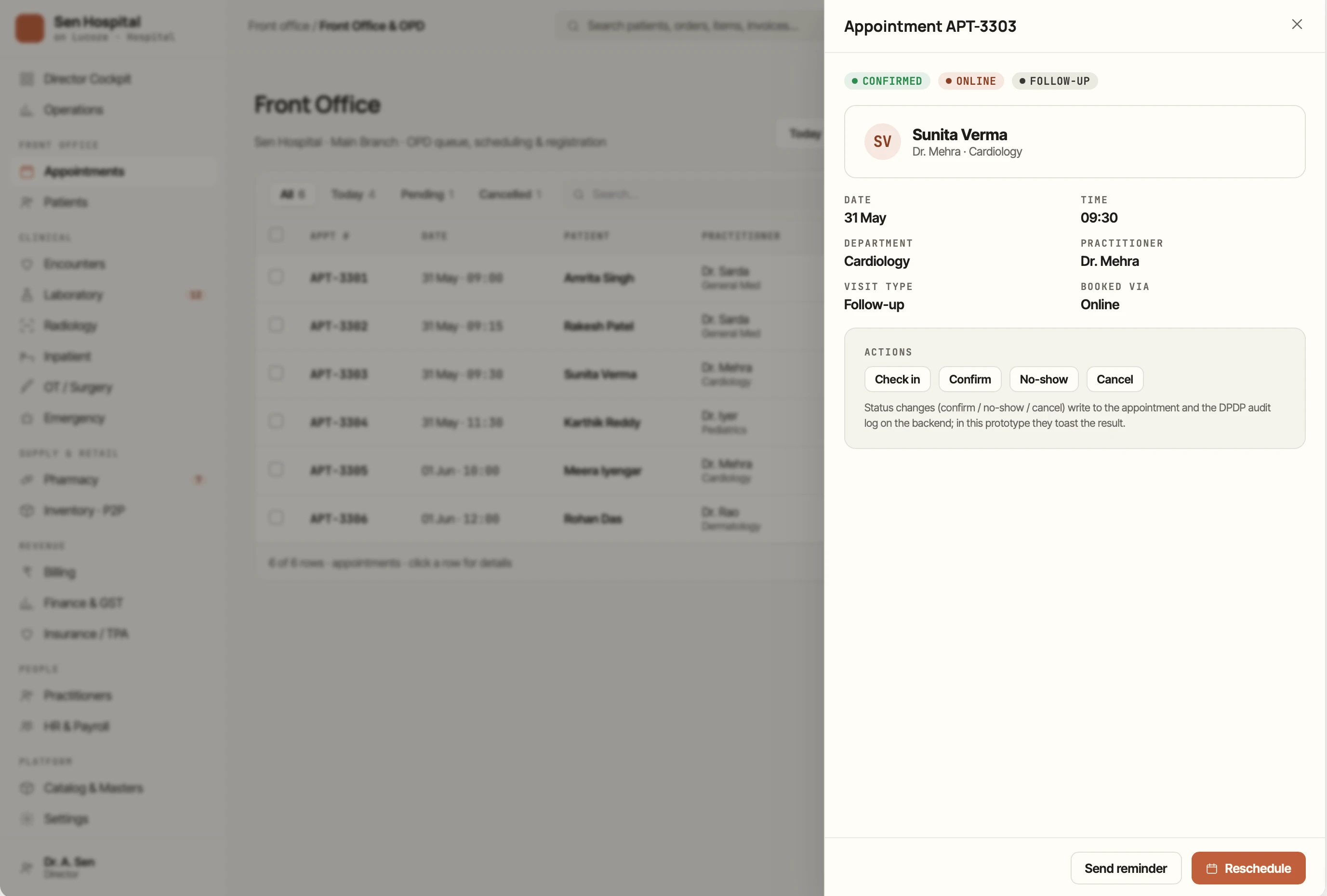
Three reminders, in the channel that actually works.
WhatsApp confirmation goes out 24 hours before. SMS at 2 hours. A reschedule link is one tap — no app install, no login. The doctor sees a confirmed list at 9am, not a hopeful one.
- Patient-driven reschedule via one-tap link — desk staff don’t intercept.
- Specialty-aware reminder copy (IVF gets different wording than dental).
- Cancel-with-reason feedback loop — you learn which slot patterns leak.
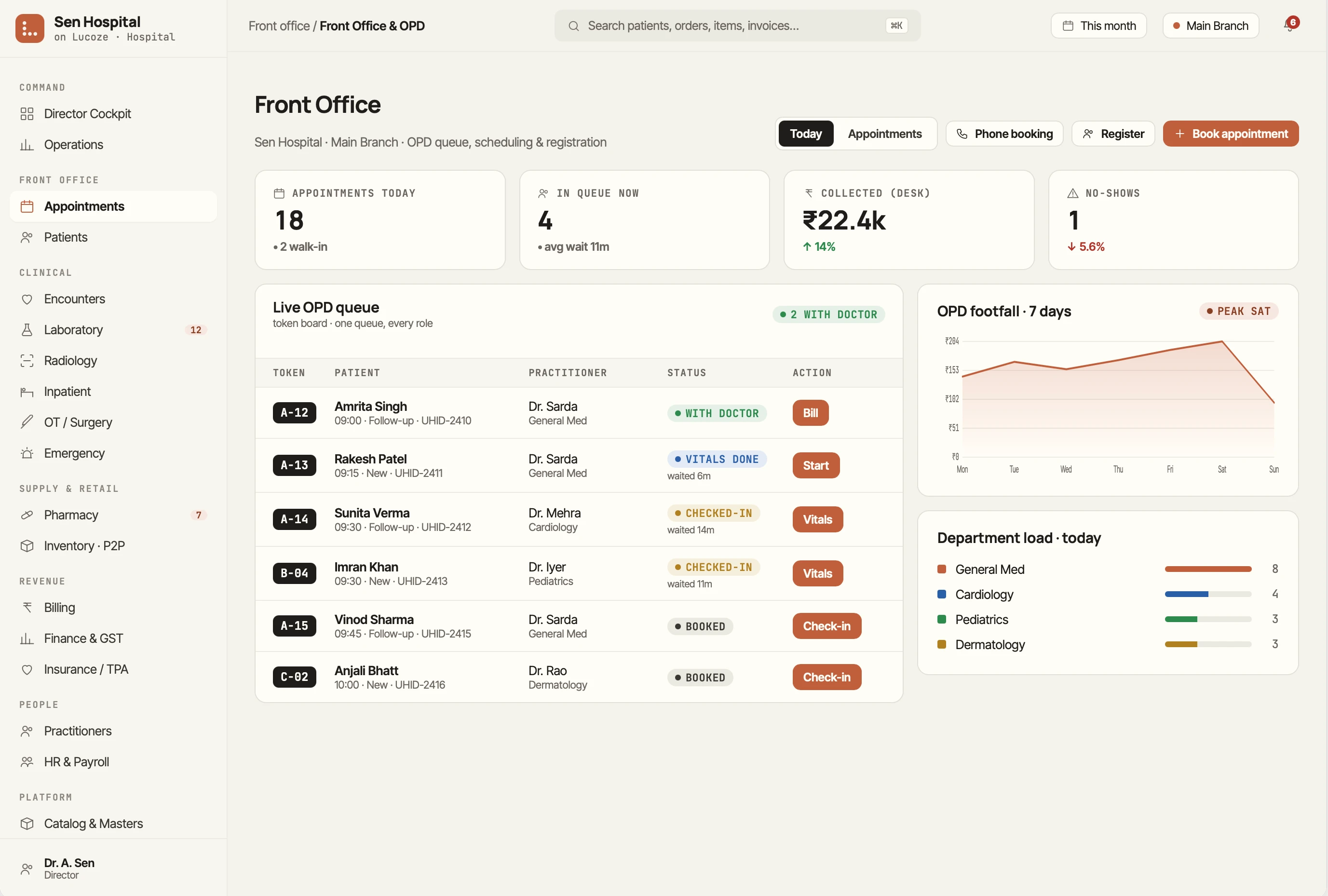
What's actually on the day. Not what was scheduled last week.
The doctor sees today live — confirmed patients, walk-ins inserted in priority, follow-ups that need 5 minutes vs new patients that need 15. Time blocks are theirs to control.
- Drag a slot to a new time — the patient gets notified instantly.
- Block 30 mins for a procedure. The desk can’t book over it.
- Daily summary at 7pm: hours billed, items missed, who came back.
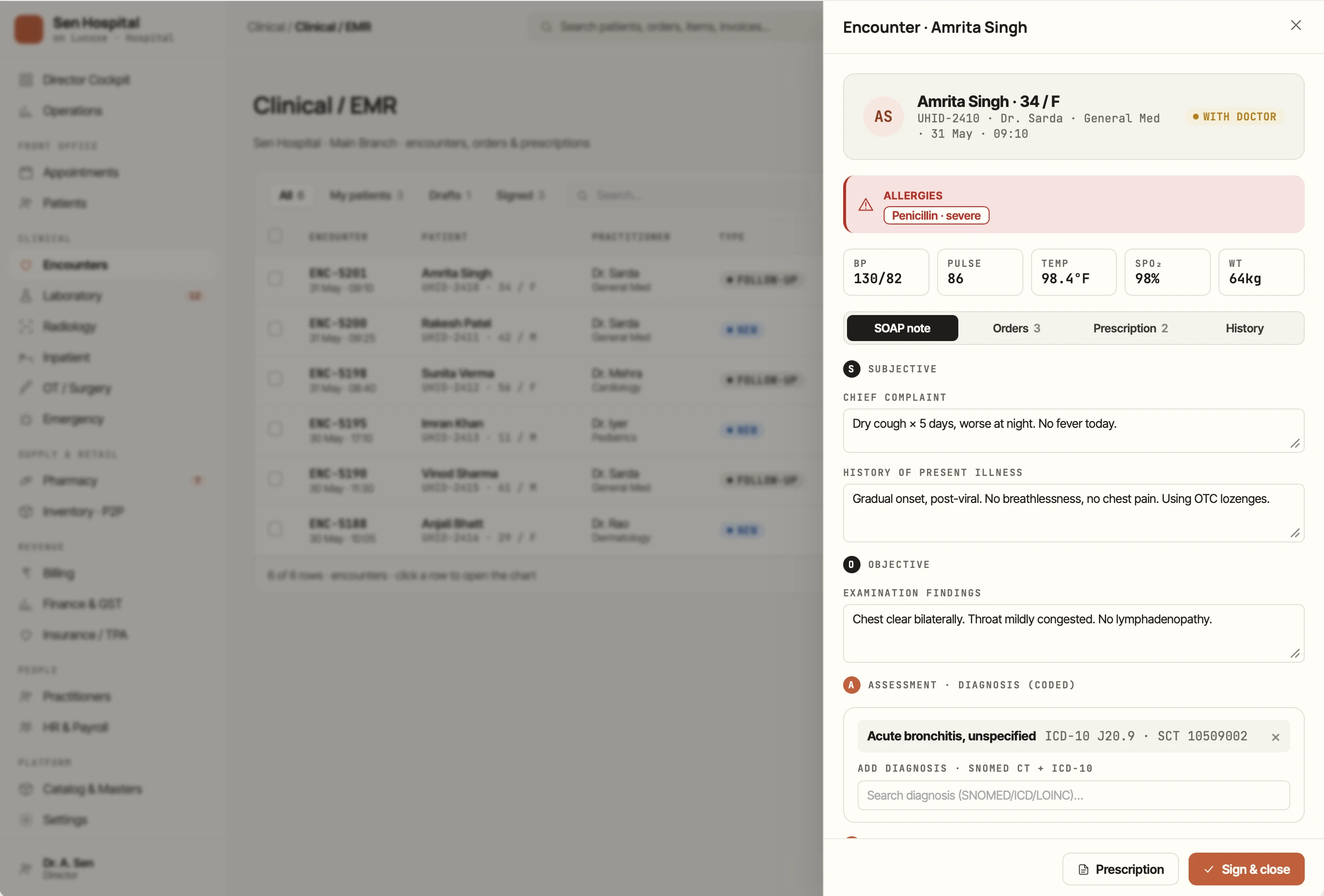
Appointments, the doubts our customers raised first.
Does it work without internet?
Yes — the front desk can take walk-ins offline. The day reconciles when the connection comes back. Tested in 6 East-India clinics with intermittent 4G.
What about WhatsApp Business compatibility?
We use the official Cloud API — not unofficial bridges. Your number stays clean and never gets restricted.
Can patients book on Sunday?
Self-serve booking is 24/7. You set the slot inventory; the patient picks within it.
See Appointments working in your hospital.
Book a demo — we run alongside your current system, no downtime, migration help included.